18 Best AI Tools for Content Creators to Supercharge Your Workflow


Key Takeaways
AI tools have made content creation faster, scalable, and manageable for solo creators and small teams.
All-in-one and specialized AI tools help with writing, design, video, audio, SEO, and research in one streamlined workflow.
AI enhances human creativity by automating repetitive tasks, not replacing the creator’s voice or strategy.
Choosing the right AI tools gives creators a strong competitive edge and better ROI in today’s digital-first economy.
Introduction
Content creation is no longer limited by time, team size, or technical skills. In 2026, creators face rising content demands, shrinking attention spans, and the pressure to publish consistently across blogs, social media, video, and audio platforms. As a result, many creators and marketing teams are turning to AI-powered content tools that offer faster production, better scalability, and higher ROI.
Unlike traditional content workflows that relied heavily on manual effort, modern content strategies focus on speed, consistency, optimization, and multi-format distribution. From AI writing tools and SEO assistants to image generators, video editors, voiceover tools, and productivity platforms, creators now use a diverse AI stack to manage the entire content lifecycle—from idea to distribution.
How AI Tools Help Content Creators Work Smarter
AI tools for content creators are designed to assist with planning, creating, editing, and optimizing content using automation and machine learning. These tools support different stages of the creative process, including content ideation, writing, design, video and audio production, research, and workflow management.
There is no single AI tool that fits every creator’s needs. Each platform serves a specific purpose—whether it’s generating blog posts, creating visuals, editing videos through text, producing realistic voiceovers, or turning raw ideas into actionable insights. The right AI stack depends on your content format, budget, technical comfort level, and growth goals.
To help you choose the right tools, this guide highlights the best AI tools for content creators, covering their key features, ideal use cases, pros and cons, and pricing. Explore the list to find the tools that align with your creative workflow and help you produce better content, faster.
If you believe there’s an AI content creation tool we’ve missed that deserves to be included, feel free to let us know.
Quick Look
The All-In-One Leader: GPT0 for unified text and image creation.
Writing & SEO: Jasper, Copy.ai, and Surfer SEO for ranking and scaling.
Visuals & Design: Canva Magic Studio and Midjourney for stunning aesthetics.
Video & Audio: Descript, Murf, and Runway for professional multimedia.
Productivity: Notion AI and Otter.ai for seamless organization.
Comparison Table
Tool Name | Best For | Free Plan / Trial | Starting Price |
|---|---|---|---|
GPT0 | AI content detection, paraphrasing | Yes | Competitive |
Jasper AI | Enterprise marketing & Brand Voice | 7-Day Trial | $39/mo |
Canva Magic Studio | Social media & quick graphics | Yes (Limited) | $12.99/mo |
Copy.ai | High-volume sales & social copy | Yes | $36/mo |
Descript | Text-based video & podcast editing | Yes | $12/mo |
Midjourney | High-end artistic imagery | No | $10/mo |
Surfer SEO | Data-driven blog optimization | No | $89/mo |
Murf AI | Professional AI voiceovers | Yes | $19/mo |
Runway Gen-2 | AI video generation & VFX | Yes | $12/mo |
Grammarly GO | Contextual editing & ideation | Yes | $12/mo |
Synthesia | AI avatars & training videos | No | $22/mo |
Notion AI | Workspace productivity & notes | Free Trial | $8/mo |
Writesonic | Fact-checked blog posts & ads | Yes | $13/mo |
Otter.ai | Real-time transcription | Yes | $10/mo |
InVideo AI | Script-to-video & social video creation | Yes (Watermarked) | $20/mo |
Adobe Firefly | AI image editing & generative fill | Yes (Credits) | $4.99/mo |
HeyGen | AI avatar videos & video translation | Free Trial | $24/mo |
AnswerThePublic | Topic ideation & audience questions | Yes (Limited) | $9/mo |
1. GPT0

Best for: AI content detection, paraphrasing, and improving writing quality
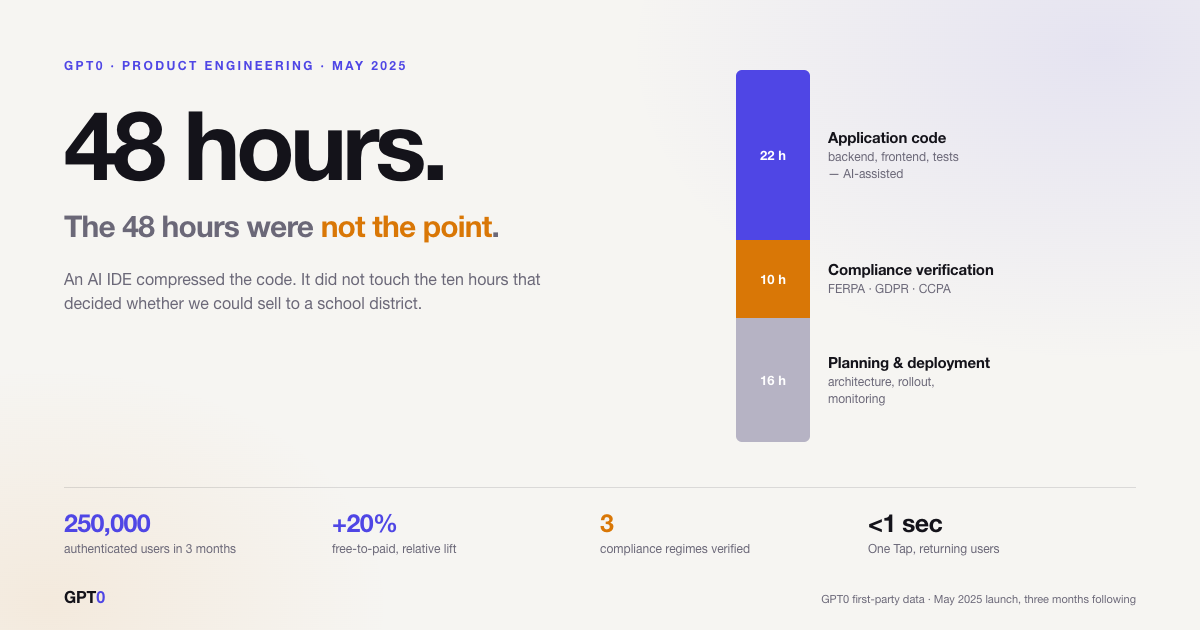
GPT0 is an AI-powered writing and content analysis platform designed to help writers ensure originality, clarity, and authenticity. Rather than focusing on content generation alone, GPT0 specializes in detecting AI-generated text and enhancing existing content through paraphrasing, humanization, grammar correction, and summarization.
What sets GPT0 apart is its strong emphasis on responsible AI usage. With a claimed 99.7% accuracy rate, its AI Detector helps identify content generated by tools like ChatGPT, GPT-4, Claude, and Gemini. At the same time, its writing tools allow users to refine and humanize AI-assisted content while preserving the original meaning and tone.
GPT0 is especially useful for content creators, students, editors, and marketers who need to balance AI efficiency with originality and trust.
Pros & Cons
Pros:
Highly accurate AI content detection
Complete writing toolkit (paraphrasing, grammar, summarizing, humanizing)
Easy-to-use interface for non-technical users
Strong focus on originality and responsible AI use
Cons:
No image, video, or design tools
Not designed for full content generation or campaign management
Actionable Advice
Use GPT0’s AI Detector to verify content originality, then refine flagged sections using the Humanizer or Paraphrasing tool to improve readability while maintaining authenticity.
Pricing Summary
Free Plan: Access to core tools for detection and writing improvements
Paid Plans: Offer higher limits and advanced features (pricing varies by usage)
2. Jasper
Best for: Enterprise-level marketing teams and long-form SEO content.
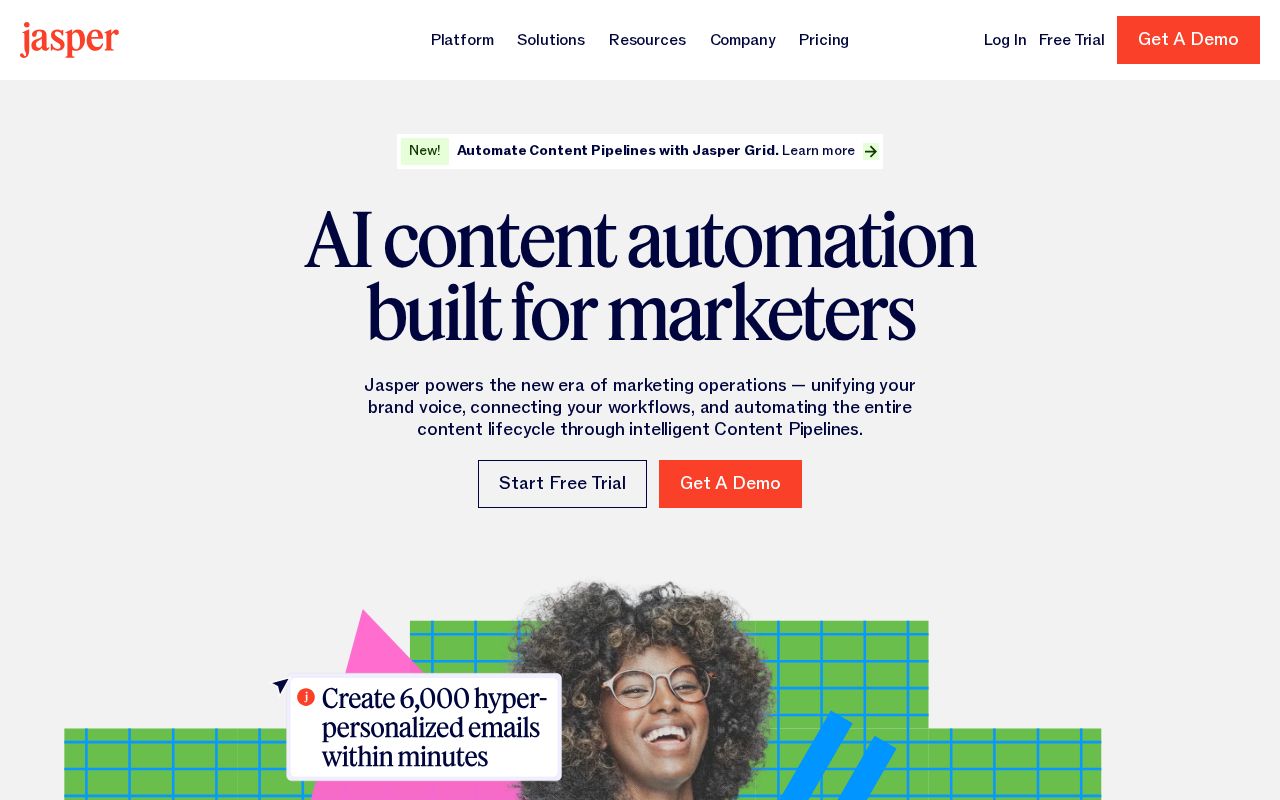
Jasper AI is the heavy hitter for professional marketing teams. Its primary strength lies in its "Brand Voice" feature, which allows the AI to learn your specific tone and style to ensure that everything it produces sounds like it came from your brand, not a generic robot.
Pros & Cons
Pros:
Superior Brand Voice memory and consistency.
Robust collaboration features for large teams.
Direct integration with SEO tools like SurferSEO.
Cons:
One of the more expensive options on the market.
Steep learning curve for advanced features.
Pricing Summary
Free Plan: 7-day free trial available.
Paid Plan: Starts from $39 per month for the Creator plan.
3. Canva (Magic Studio)

Best for: Visual creators and social media managers.
Canva has evolved from a simple design tool into an AI powerhouse. Their Magic Studio includes features like "Magic Grab" and text-to-image generation that make complex graphic design accessible to everyone.
Pros & Cons
Pros:
Massive library of templates and assets.
Very low barrier to entry; extremely user-friendly.
Cons:
AI-generated images can sometimes look a bit generic.
Limited advanced photo editing compared to Adobe.
Pricing Summary
Free Plan: $0 per year with limited AI access.
Paid Plan: Starts from $12.99 per month for Canva Pro.
4. Copy.ai
Best for: High-volume social media and sales copy.
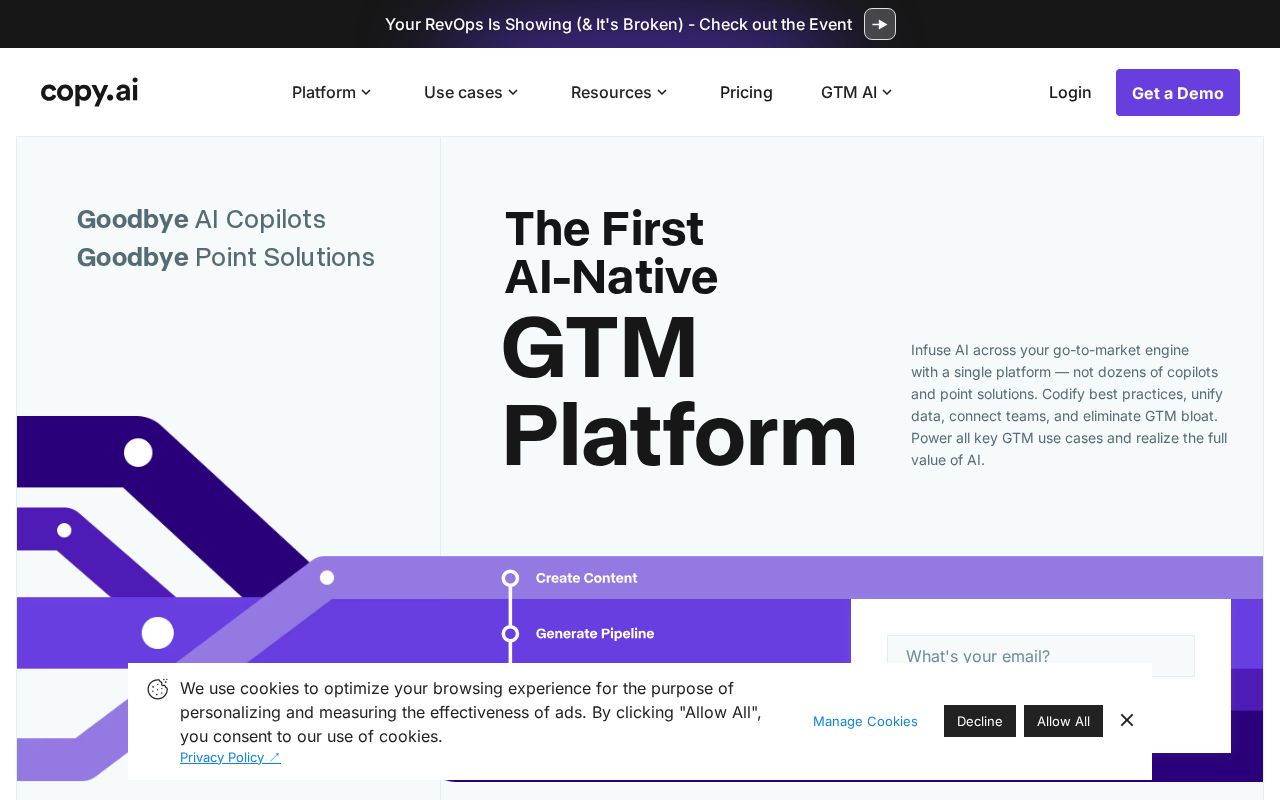
Copy.ai is built for speed. It is the perfect remedy for writer’s block, offering over 90 templates for everything from product descriptions to social media captions. Its "Chat" interface is particularly useful for brainstorming sessions.
Pros & Cons
Pros:
Excellent for overcoming the "blank page" syndrome.
Workflow automation saves hours of repetitive work.
Cons:
Output can sometimes feel repetitive.
Factual accuracy requires careful manual checking.
Pricing Summary
Free Plan: Free version available with 2,000 words per month.
Paid Plan: Starts from $36 per month (billed annually).
5. Descript
Best for: Podcasters and Video Editors.
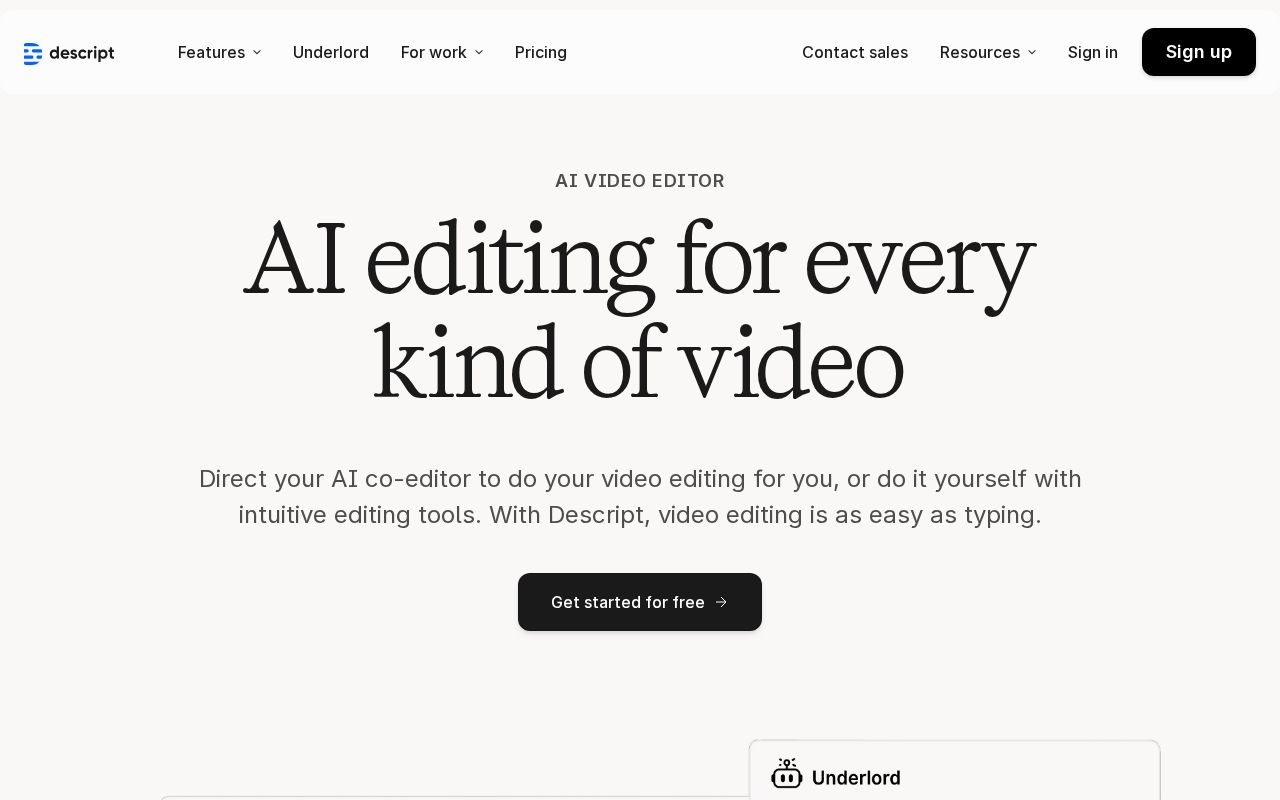
Descript transcribes your media into text. To edit the video, you simply edit the text. If you delete a sentence from the transcript, the corresponding video and audio are automatically cut.
Pros & Cons
Pros:
Revolutionizes video editing speed via text editing.
"Studio Sound" feature significantly improves audio quality.
Cons:
Can be resource-heavy on older hardware.
Voice cloning has a slight learning curve.
Pricing Summary
Free Plan: $0 per month with 1 hour of transcription.
Paid Plan: Starts from $12 per month.
6. Murf AI
Best for: Voiceovers and explainer videos.
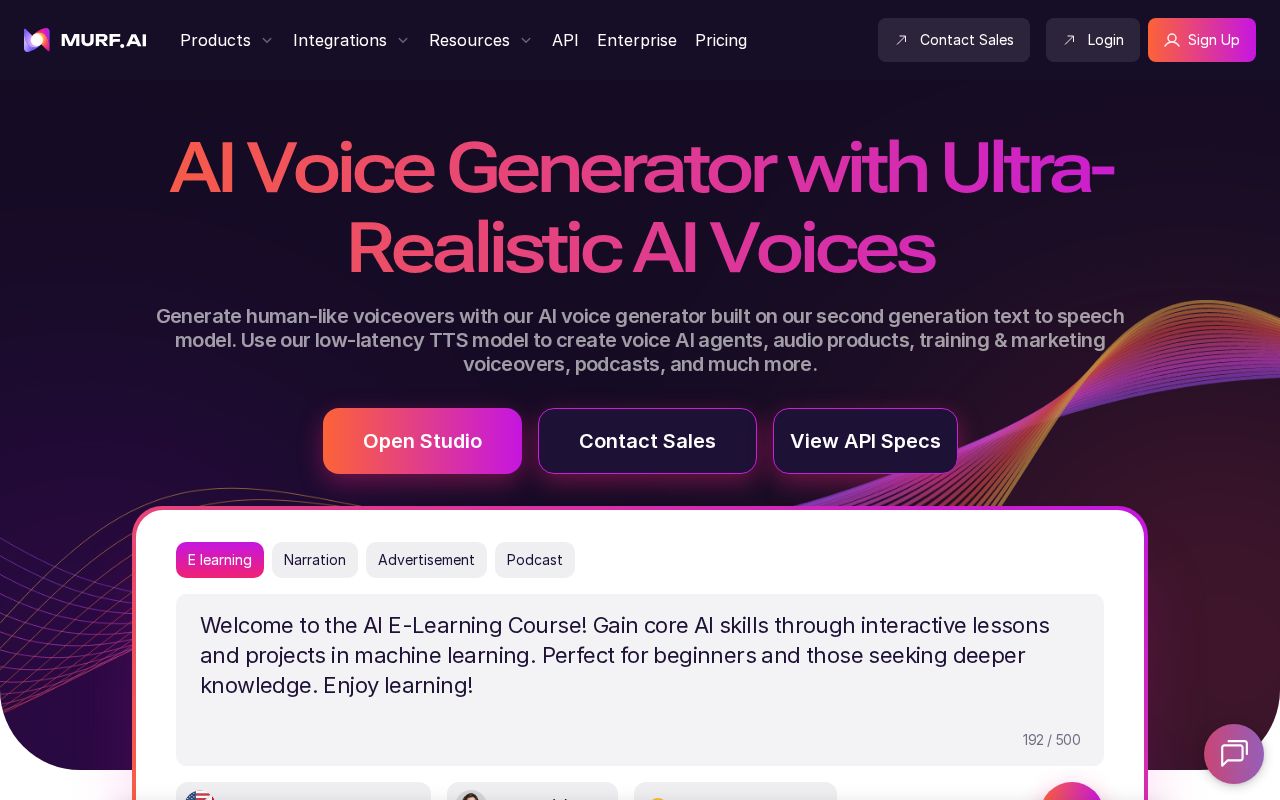
Murf AI provides over 120 natural-sounding AI voices in more than 20 languages. It’s an ideal tool for creators making YouTube explainer videos or corporate training modules without hiring voice actors.
Pros & Cons
Pros:
Incredibly realistic voices with emotional range.
Built-in video/image syncing tools.
Cons:
Free version does not allow downloads.
High-tier pricing is steep for individuals.
Pricing Summary
Free Plan: $0 per month (no downloads).
Paid Plan: Starts from $19 per month (billed annually).
7. Midjourney

Best for: High-end artistic imagery and conceptual art.
Midjourney is the industry standard for artistic AI imagery. It produces high-parameter visuals that often surpass what is possible with other generators, though it requires using Discord.
Pros & Cons
Pros:
Industry-leading artistic image quality.
Deep customization via prompt parameters.
Cons:
No dedicated web UI (must use Discord).
Public by default unless on higher-tier plans.
Pricing Summary
Free Plan: No free plan available.
Paid Plan: Starts from $10 per month.
8. Surfer SEO
Best for: SEO content writers and bloggers.
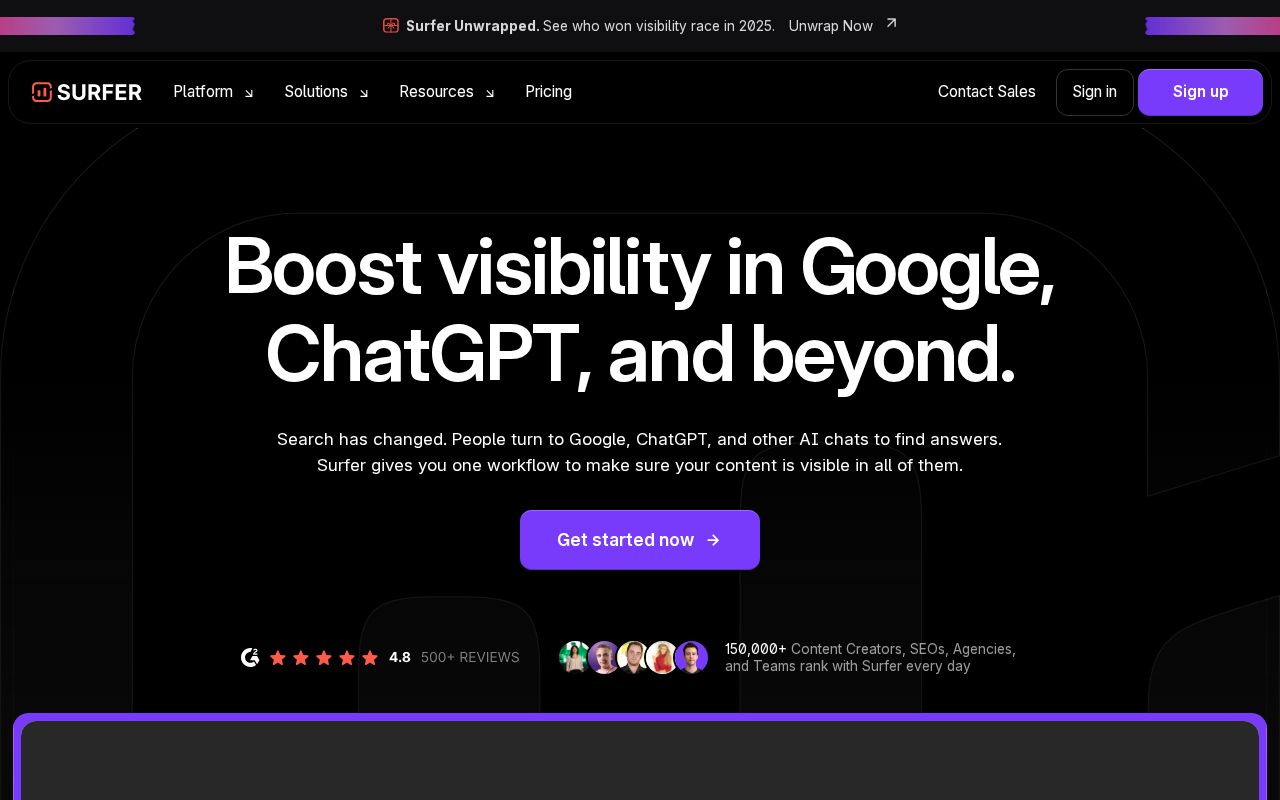
Surfer SEO analyzes top-ranking pages for any keyword and provides a real-time "recipe" for how to outrank them, suggesting word counts and keyword frequency.
Pros & Cons
Pros:
Data-driven approach to ranking on Google.
Integrates with Google Docs and WordPress.
Cons:
Can lead to "robotic" writing if followed too strictly.
One of the more expensive SEO tools.
Pricing Summary
Free Plan: No free plan available.
Paid Plan: Starts from $89 per month.
9. Grammarly GO
Best for: Professional editing and tone adjustment.
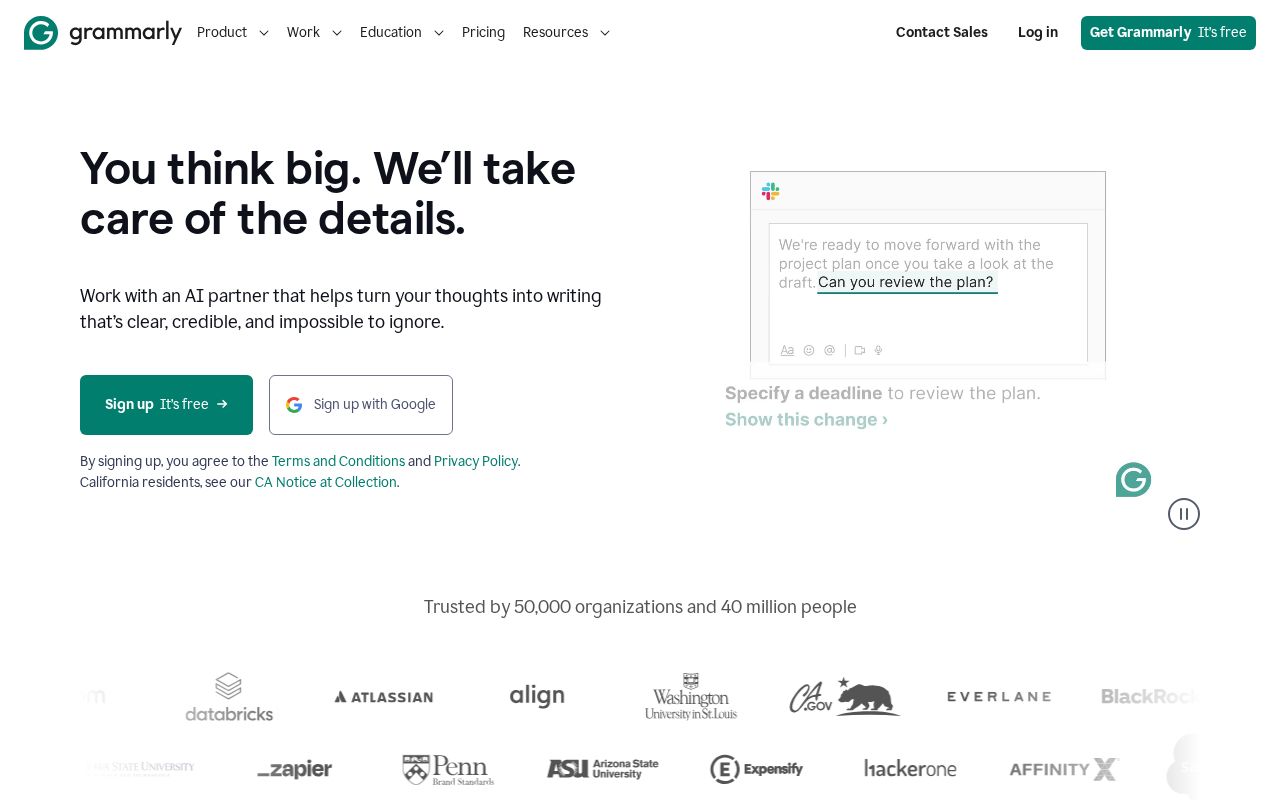
Grammarly GO uses generative AI to help you rewrite sentences for better clarity and impact. It lives in your browser and works across most websites and apps.
Pros & Cons
Pros:
Seamlessly integrated into your existing workflow.
Excellent for maintaining a professional tone.
Cons:
AI suggestions can sometimes strip away personality.
Expensive for those only needing basic grammar help.
Pricing Summary
Free Plan: $0 per month for basic suggestions.
Paid Plan: Starts from $12 per month (billed annually).
10. Runway Gen-2
Best for: Cutting-edge video generation and VFX.
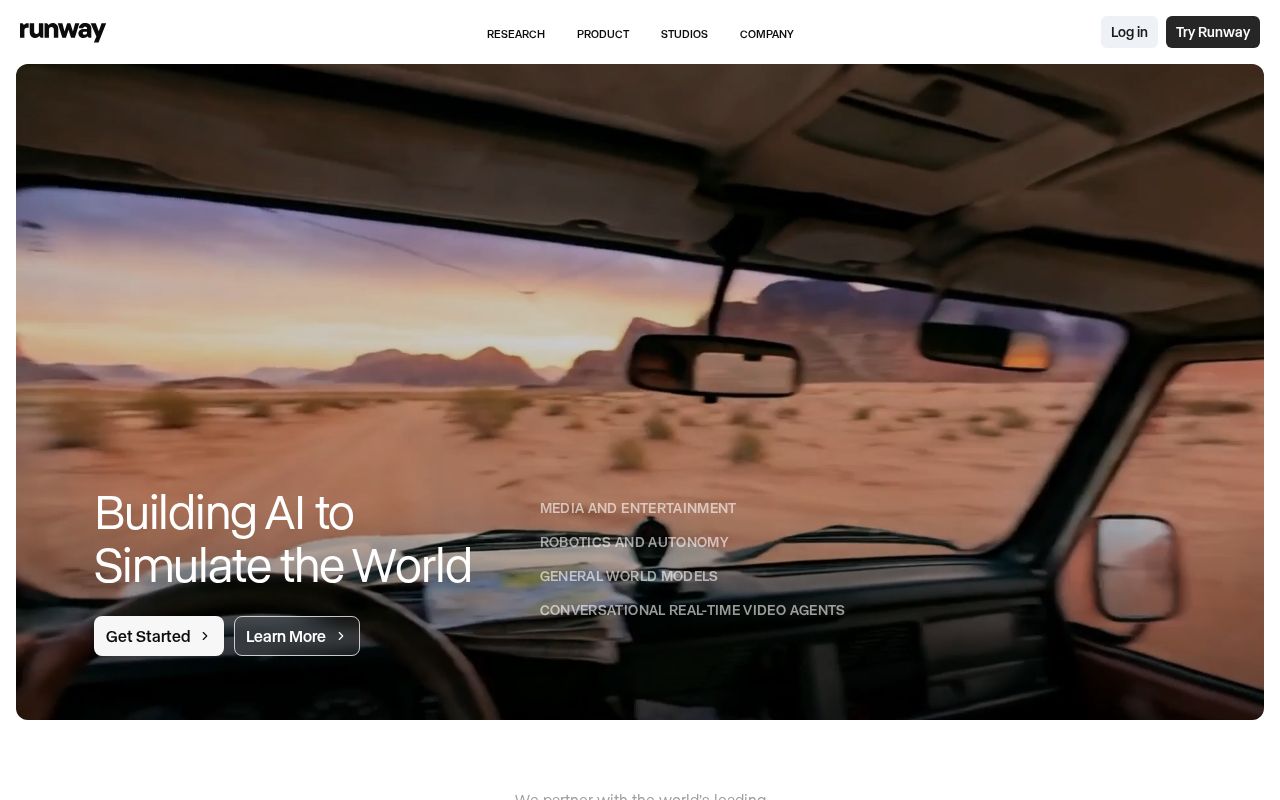
Runway is at the frontier of AI video. It allows you to generate video clips from text prompts or transform existing videos into entirely new styles.
Pros & Cons
Pros:
Pioneering technology for AI video.
"Motion Brush" offers precise control.
Cons:
High compute cost (credits go fast).
Video quality can be inconsistent.
Pricing Summary
Free Plan: $0 per month with 125 credits.
Paid Plan: Starts from $12 per month.
11. Notion AI
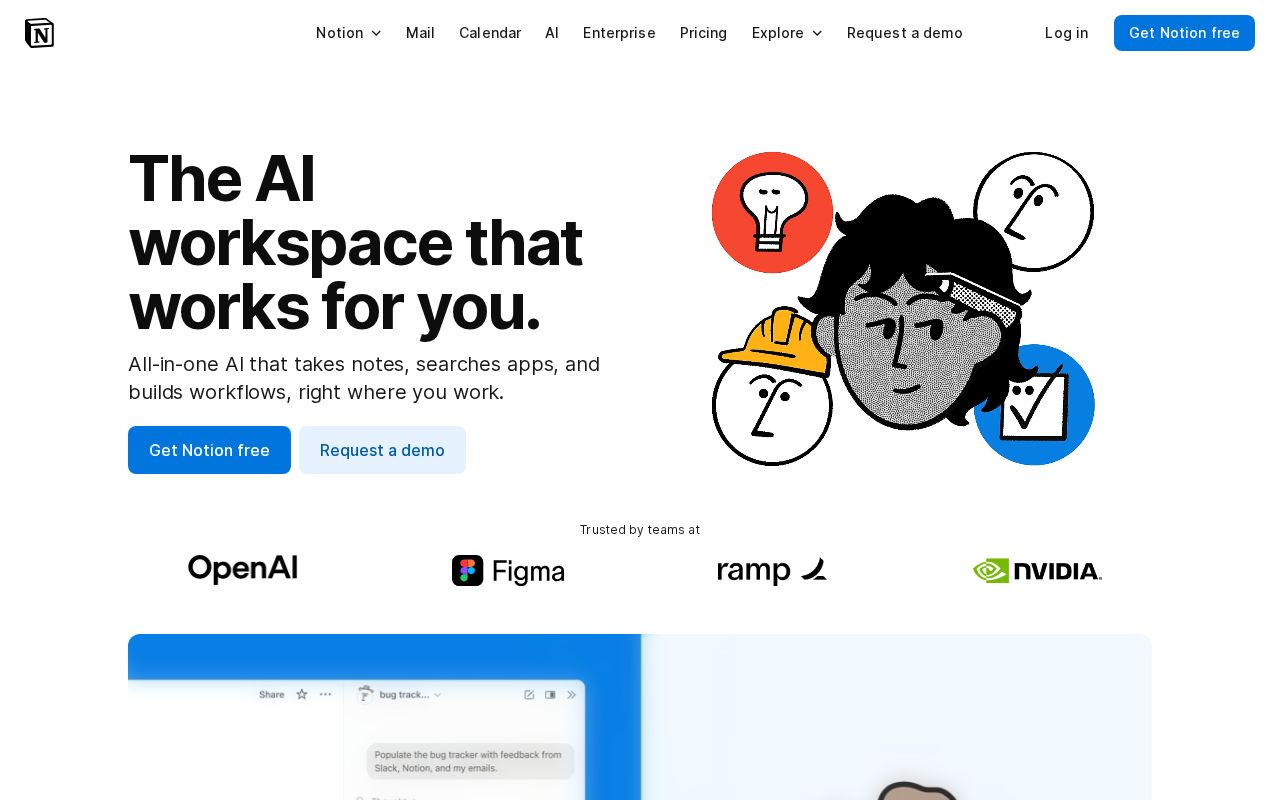
Best for: Organized creators and project managers.
Notion AI integrates directly into your workspace to help you summarize notes, extract action items, and brainstorm project outlines.
Pros & Cons
Pros:
Perfectly integrated into the Notion workspace.
Affordable compared to dedicated writers.
Cons:
Limited to text-based tasks.
Not as robust as specialized marketing writers.
Pricing Summary
Free Plan: Free trial available.
Paid Plan: $8 per month (add-on for Notion users).
12. Synthesia
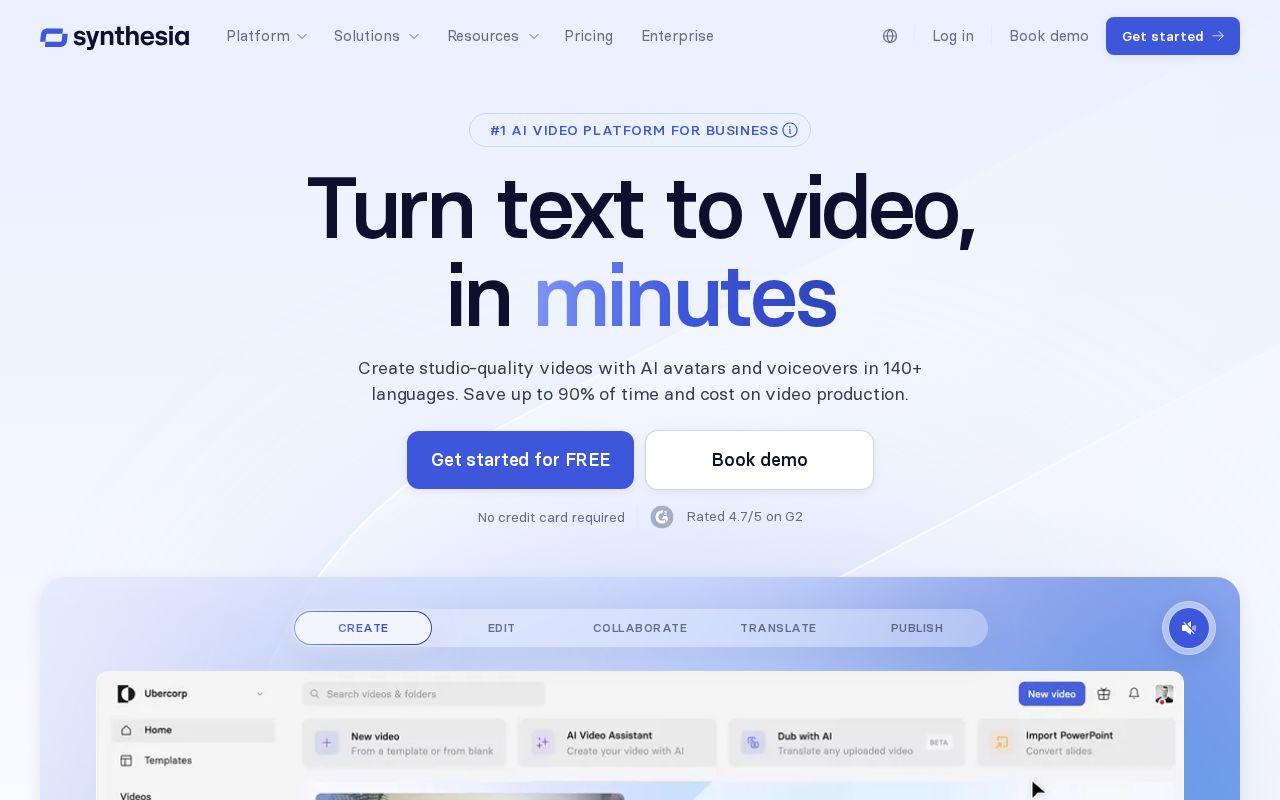
Best for: Corporate training and "talking head" videos.
Synthesia allows you to create "talking head" videos by simply typing a script. You choose an AI avatar, and it speaks your text with realistic lip-syncing.
Pros & Cons
Pros:
No camera or microphone needed for video production.
Localized into 120+ languages.
Cons:
Avatars can still feel "uncanny valley."
Pricing is geared toward business users.
Pricing Summary
Free Plan: No free plan available.
Paid Plan: Starts from $22 per month.
13. Writesonic
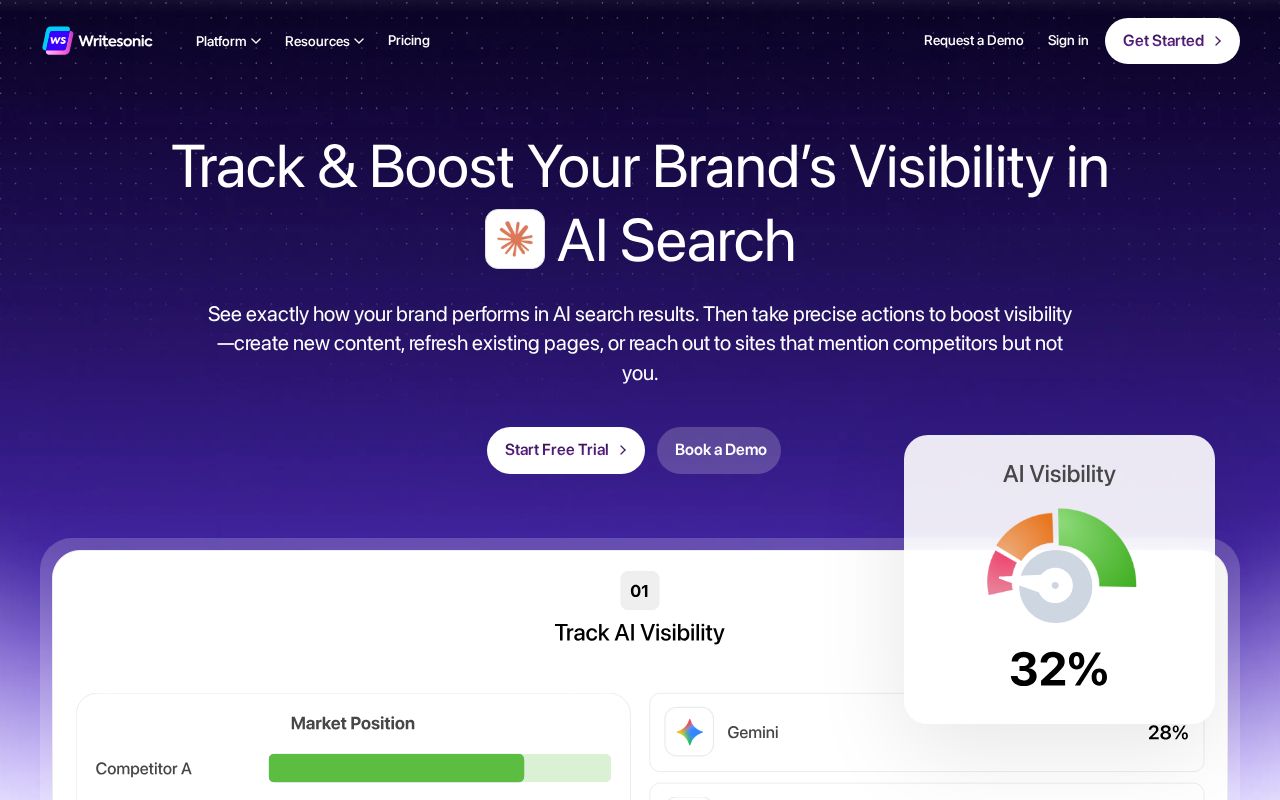
Best for: Ad copy and landing pages.
Writesonic includes Chatsonic, which has access to real-time Google Search data to ensure your content is up-to-date and factually grounded.
Pros & Cons
Pros:
Real-time Google integration for accuracy.
Very fast output for marketing copy.
Cons:
Quality varies depending on the AI model chosen.
Credit system can be confusing.
Pricing Summary
Free Plan: Free trial available.
Paid Plan: Starts from $13 per month.
14. Otter.ai
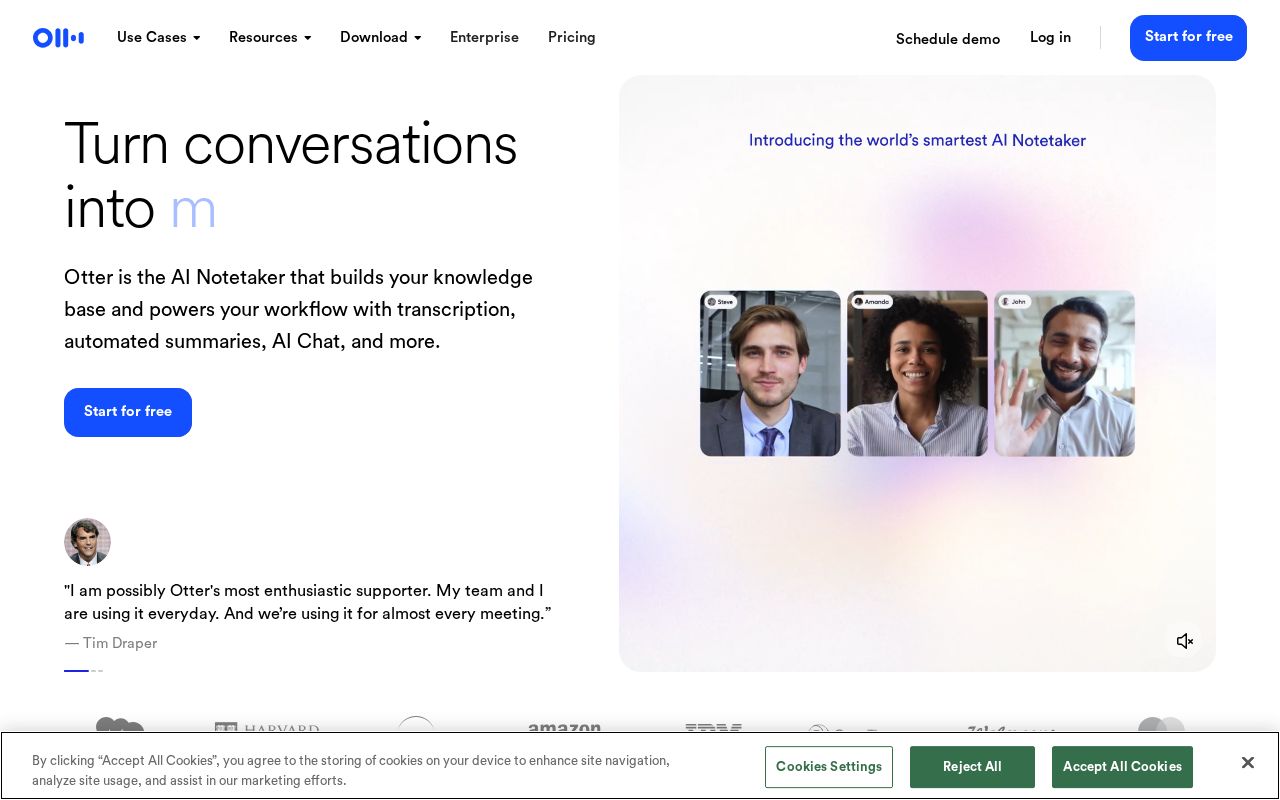
Best for: Interviewers and meeting-heavy creators.
Otter.ai uses advanced speech recognition to transcribe audio in real-time. It is essential for podcasters and journalists who need high-accuracy transcripts.
Pros & Cons
Pros:
High accuracy and speaker identification.
Searchable transcripts in real-time.
Cons:
Struggles with heavy accents.
Free version is quite limited.
Pricing Summary
Free Plan: $0 per month with 300 monthly minutes.
Paid Plan: Starts from $10 per month (billed annually).
15. InVideo AI
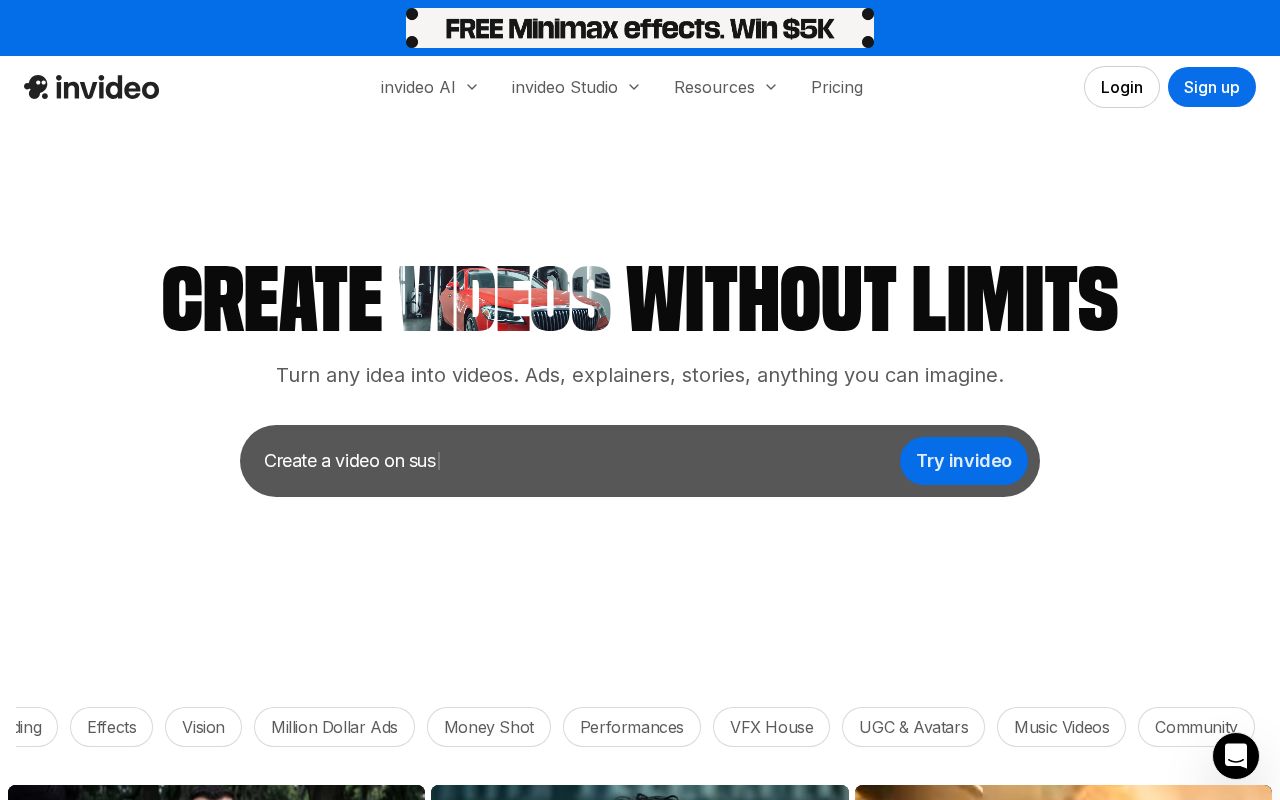
Best for: Rapid YouTube and Social Media video creation.
InVideo AI turns scripts or ideas into finished videos in minutes. It writes the script, finds stock footage, and adds a voiceover automatically.
Pros & Cons
Pros:
Incredible speed for "faceless" video creation.
Huge stock media library included.
Cons:
Stock footage can feel generic.
Limited advanced editing controls.
Pricing Summary
Free Plan: $0 per month (watermarked).
Paid Plan: Starts from $20 per month (billed annually).
16. Adobe Firefly

Best for: Professional photo manipulation and commercial safety.
Adobe Firefly is trained on Adobe Stock images, making it commercially safe. Features like "Generative Fill" are game-changers for photographers.
Pros & Cons
Pros:
Commercially safe for professional work.
Integrated into Photoshop and Illustrator.
Cons:
Requires an Adobe Creative Cloud subscription.
Less artistic flair than Midjourney.
Pricing Summary
Free Plan: 25 monthly generative credits for free.
Paid Plan: Starts from $4.99 per month for a standalone plan.
17. HeyGen
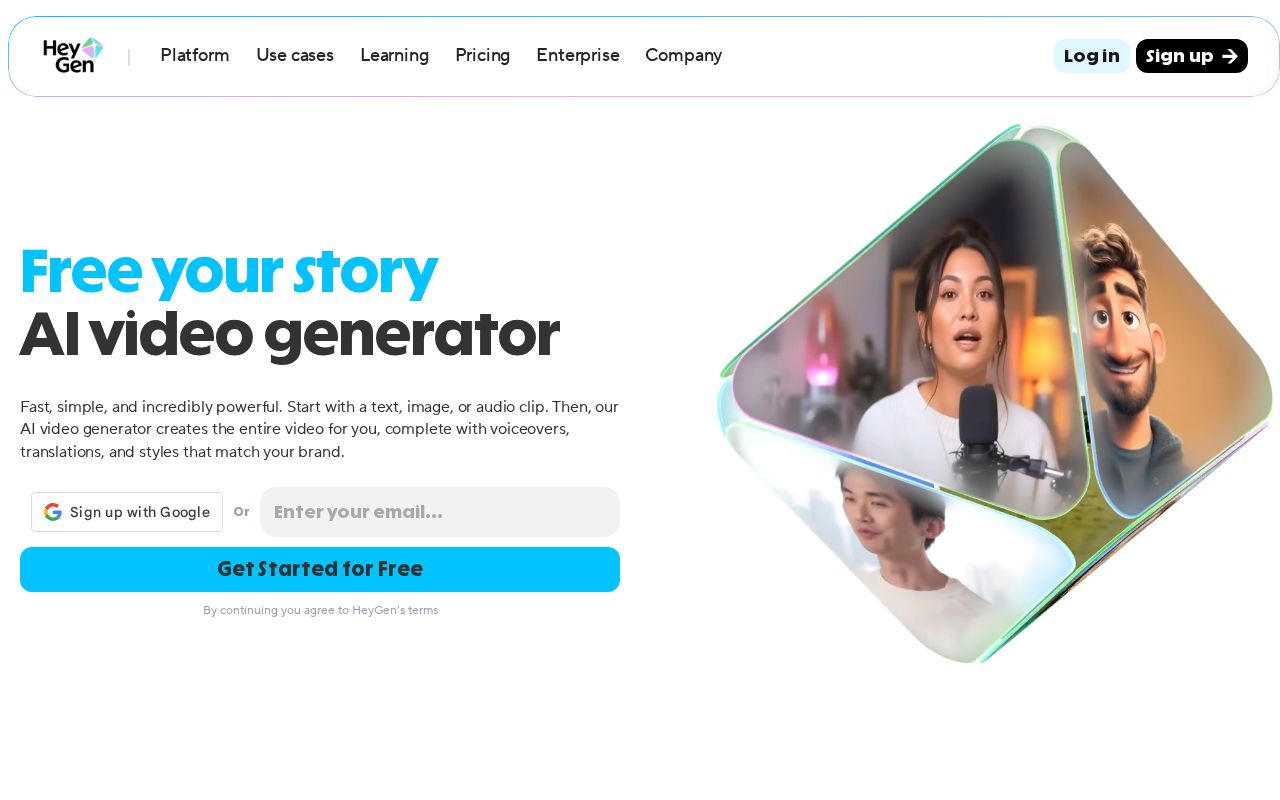
Best for: High-end video translation and personalized messaging.
HeyGen offers "Video Translate," which can change your lip movements to match a translated language, allowing creators to go global instantly.
Pros & Cons
Pros:
Best-in-class lip-syncing technology.
Ability to create a digital twin avatar.
Cons:
One of the more expensive video tools.
Processing times can be slow.
Pricing Summary
Free Plan: 1-credit free trial.
Paid Plan: Starts from $24 per month (billed annually).
18. AnswerThePublic

Best for: Topic ideation and understanding audience intent.
AnswerThePublic uses AI to visualize the questions people are asking about a topic, providing a goldmine of content ideas for bloggers and YouTubers.
Pros & Cons
Pros:
Direct insight into audience questions.
Excellent for finding long-tail keywords.
Cons:
Free tier is very limited (3 searches/day).
Does not generate the content itself.
Pricing Summary
Free Plan: Limited searches.
Paid Plan: Starts from $9 per month.
Conclusion
AI tools have fundamentally changed how content creators work—making it faster, more efficient, and more scalable than ever before. From writing and editing to design, video, voiceovers, SEO, and content optimization, today’s AI platforms help creators handle complex workflows without the need for large teams or heavy budgets.
However, there is no single AI tool that fits every creator’s needs. Some tools focus on originality and writing quality, others excel at design, video production, SEO optimization, or productivity. The key is choosing the right combination of tools that align with your content formats, goals, and workflow—rather than relying on one platform to do everything.
When used responsibly, AI doesn’t replace creativity; it enhances it. By automating repetitive tasks and providing data-driven insights, AI tools allow creators to focus on strategy, storytelling, and audience engagement. As content demands continue to grow in 2026 and beyond, creators who build a smart AI stack will be better positioned to create consistently, stay competitive, and scale without burnout.
Frequently Asked Questions
1. Will AI tools replace human content creators?
No. AI acts as a "co-pilot." While it can handle repetitive tasks and drafting, the unique perspective, emotional intelligence, and strategy must still come from a human to resonate with an audience.
2. Is using AI-generated content bad for SEO?
Google rewards high-quality content that provides value, regardless of how it’s produced. However, "spammy" AI content with no human editing may be penalized. Tools like Surfer SEO help ensure your AI-assisted content is optimized correctly.
3. What is the best AI tool for a beginner on a budget?
GPT0 is highly recommended because it combines text and image tools in one dashboard, reducing the need for multiple expensive subscriptions.
4. Do I need to be a "prompt engineer" to use these tools?
Most modern tools like Canva or Copy.ai are designed for natural language. You don't need complex commands—just be specific with your instructions, as if you were talking to a human assistant.
5. Is the content generated by AI copyright-free?
Copyright laws are still evolving. Generally, raw AI output cannot be copyrighted in many jurisdictions. However, most platforms like GPT0 grant you the commercial rights to use the output you generate. Always check the Terms of Service.